History
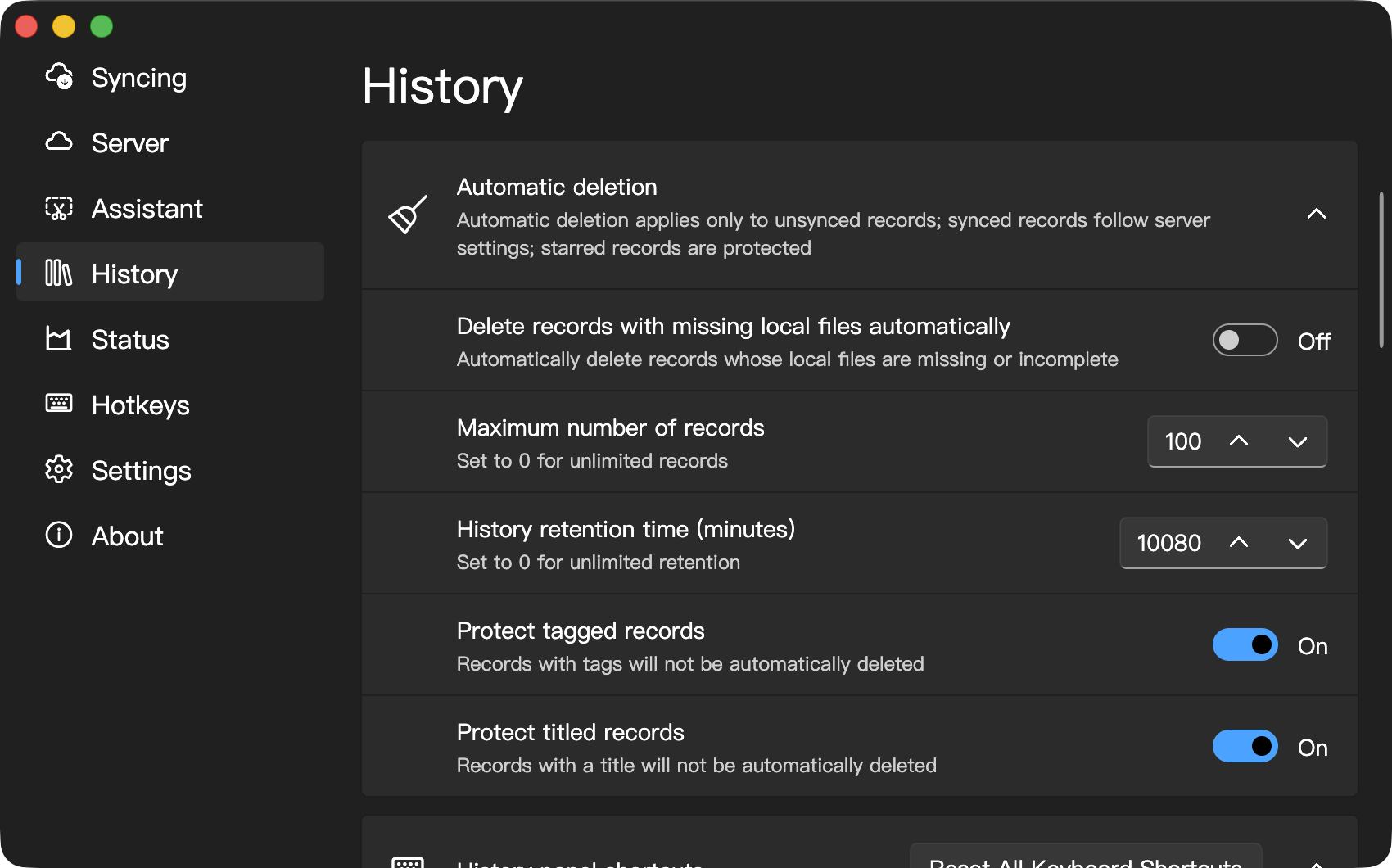
Turn on History on the desktop client’s History settings page to save the items you copy from then on. You can also export or import a history backup on this page.
Open the history panel
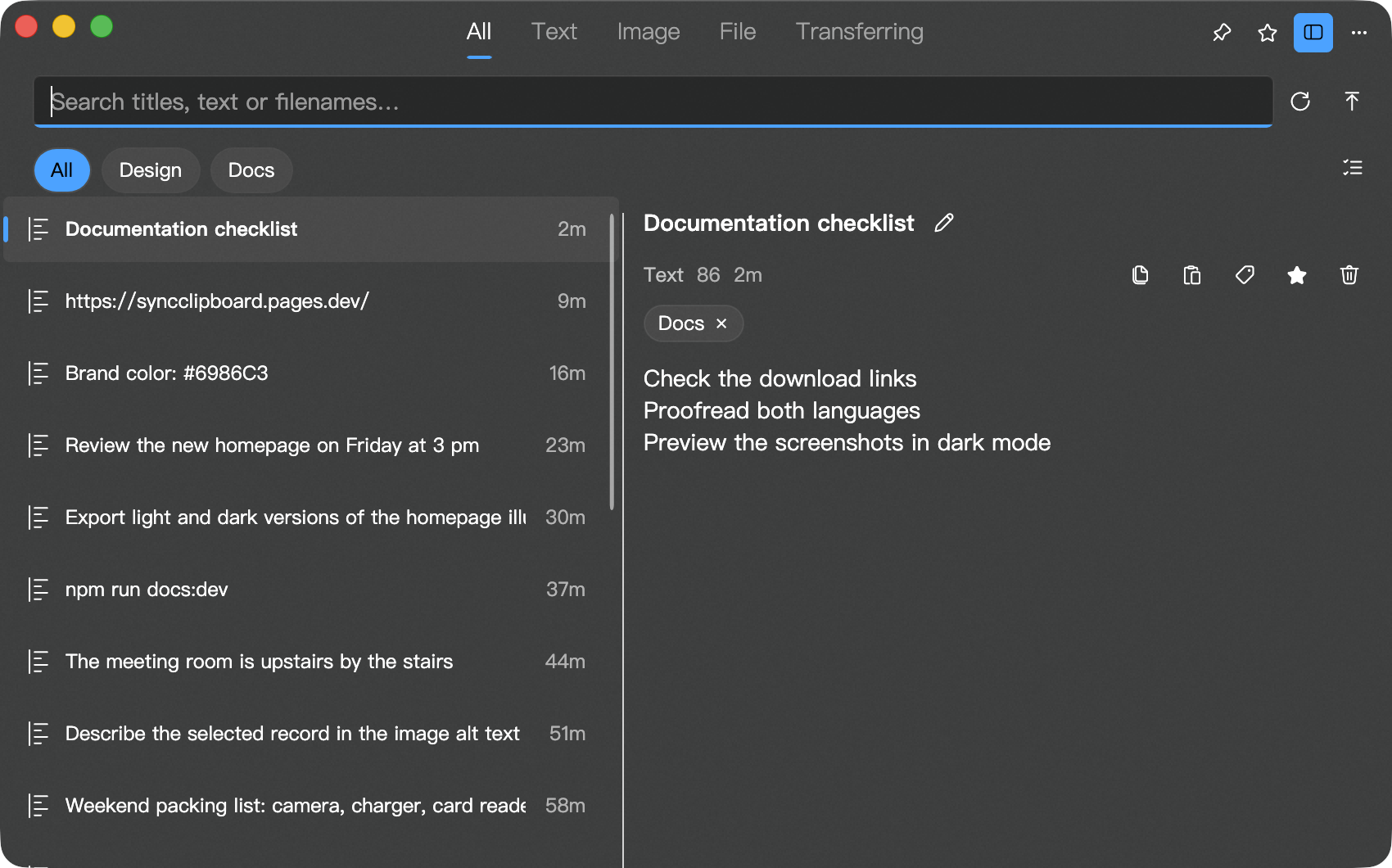
Choose History Panel from the tray menu, or assign a global hotkey to Open/Hide History Panel in the hotkey settings.
Use the filters at the top to narrow the list by content type, or search by title, text, or file name. To see an item’s contents alongside the list, turn on the preview pane in the upper right and select an item on the left.
Customize keyboard shortcuts
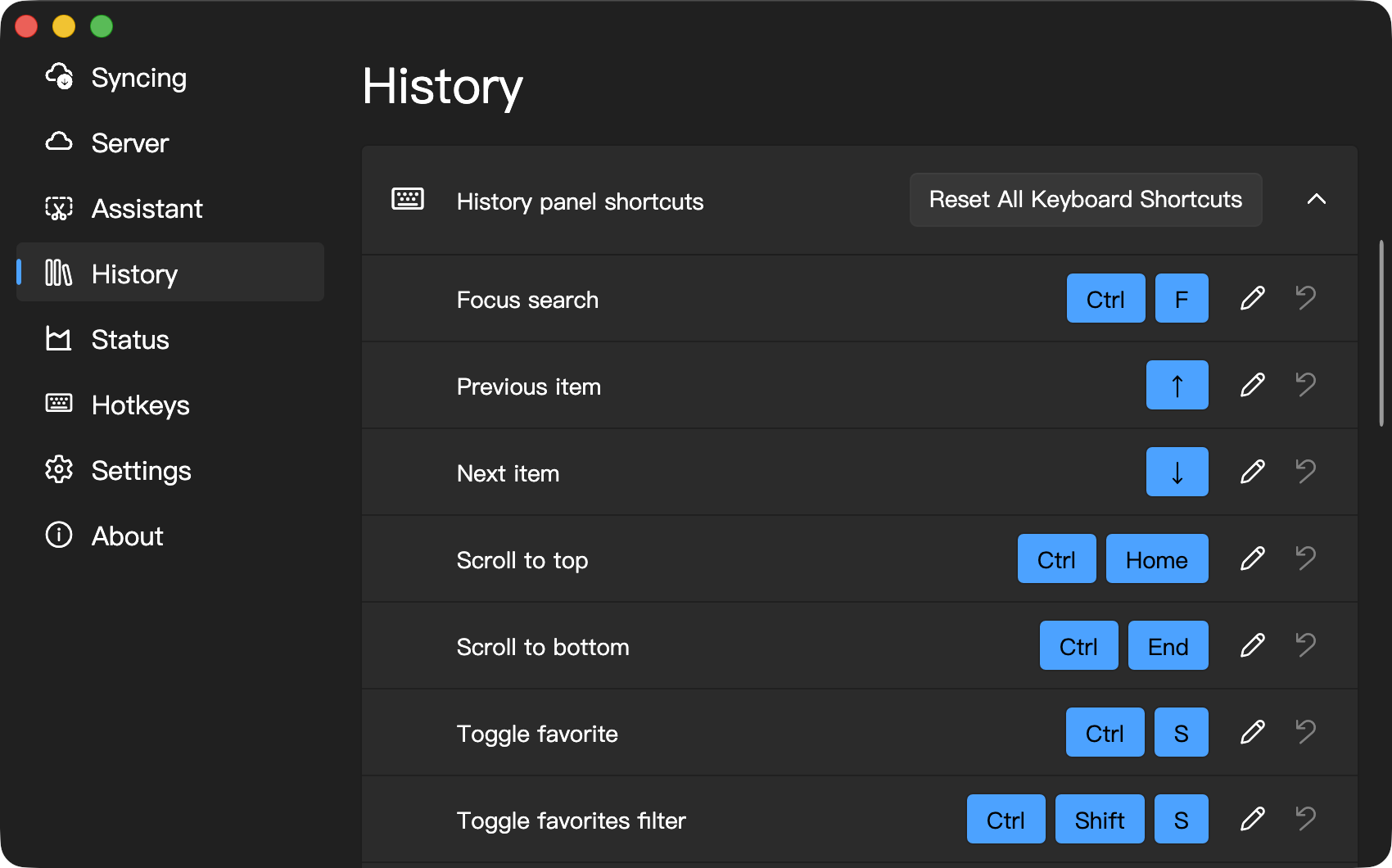
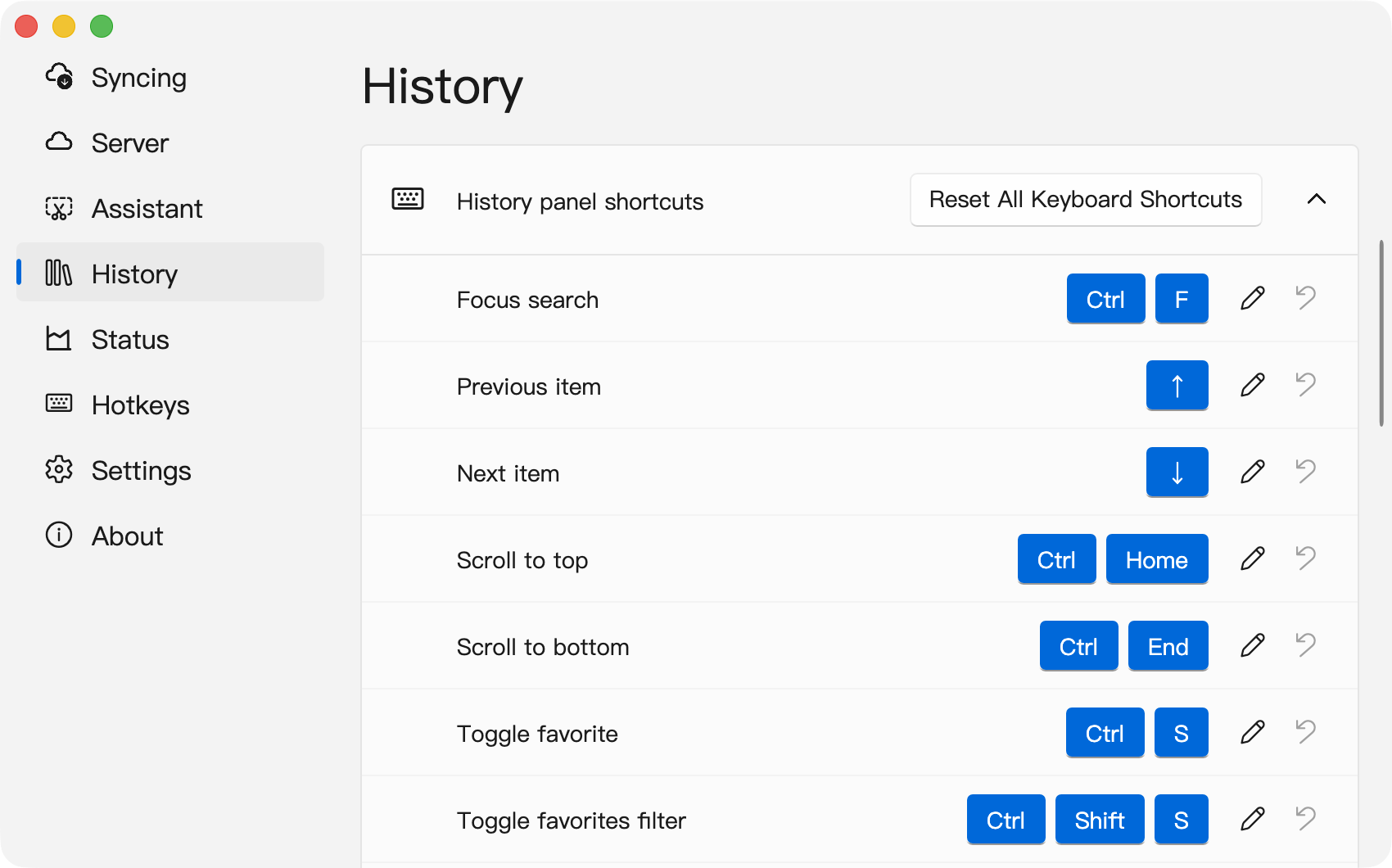
You can assign shortcuts to many actions in the history panel, including searching, moving between records, starring an item, toggling the preview pane, and copying and pasting. On the History settings page, find History panel shortcuts and click the pencil next to the action you want to change.
Sync history
When you use the official SyncClipboard server, you can turn on Sync History on the History settings page to sync records across devices.
Automatic deletion
IMPORTANT
These automatic deletion settings apply only to unsynced records on this device. Synced records follow the sync server’s history retention settings.
Under Automatic deletion on the History settings page, you can set the maximum number of records and how long to keep them in minutes. Starred records are always kept. You can also choose to keep records with tags or titles.