
Built-in desktop server
The desktop client’s built-in server has the same features as a standalone SyncClipboard server. If all the devices you want to sync are on the same local network, you can run the server on one of those computers.
Enable the server
Open Server in the desktop client. Click the gear next to the port and account details to set the port, username, and password. Then turn on the Server switch at the top of the page.
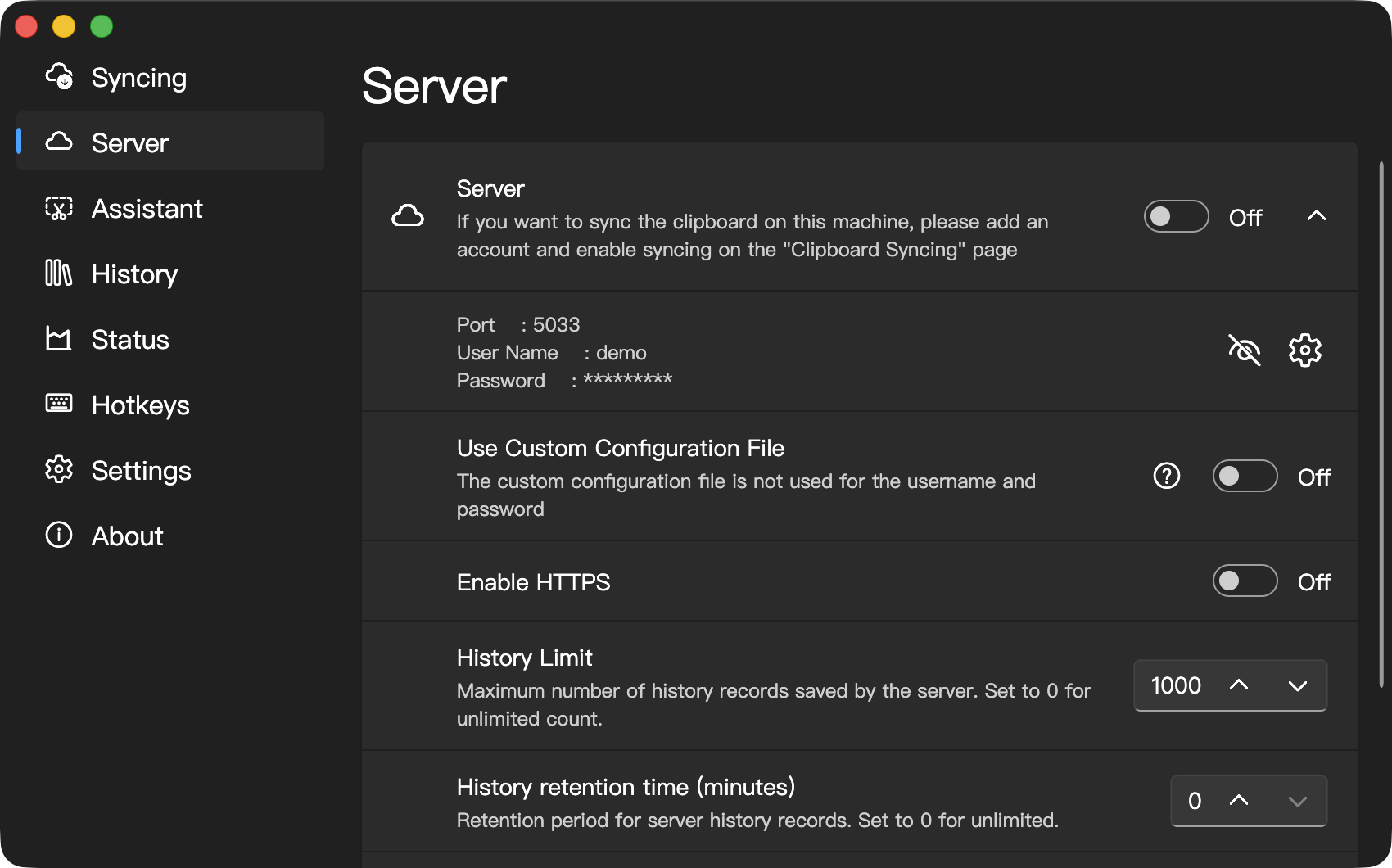
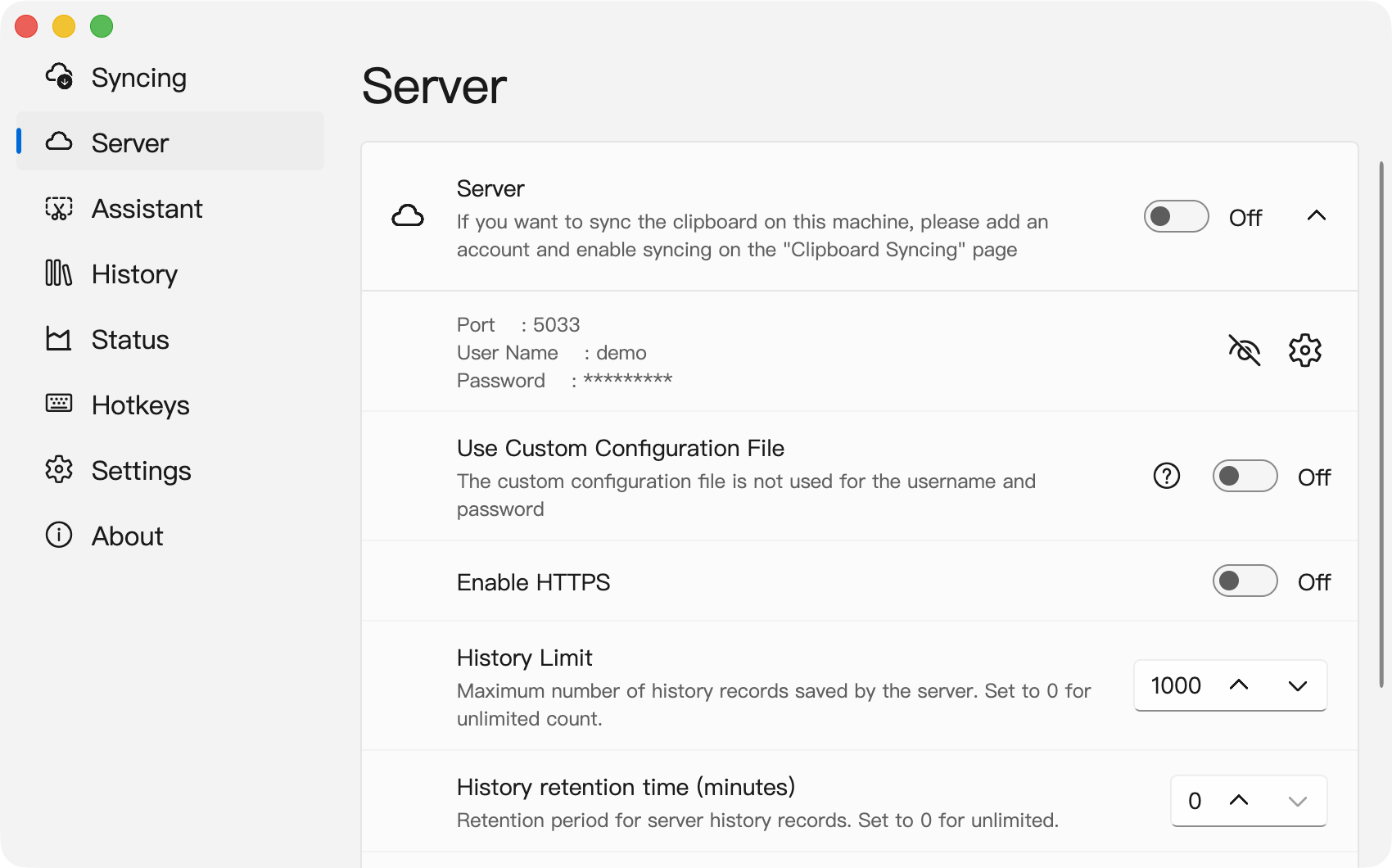
Once the server is running, add a SyncClipboard account on each of your other devices. Enter the host computer’s LAN address, for example http://192.168.1.20:5033, and the username and password you set on the server.
NOTE
Turning on the server does not automatically enable sync on the host computer. To sync that computer, add an account on it as well. For the server URL, you can use the loopback address 127.0.0.1 and the port you configured, for example http://127.0.0.1:5033.